VPlaceholderView
Placeholder prompt view component. Commonly used for empty state placeholders or result displays.
Basic Usage
Basic usage of the placeholder prompt view.
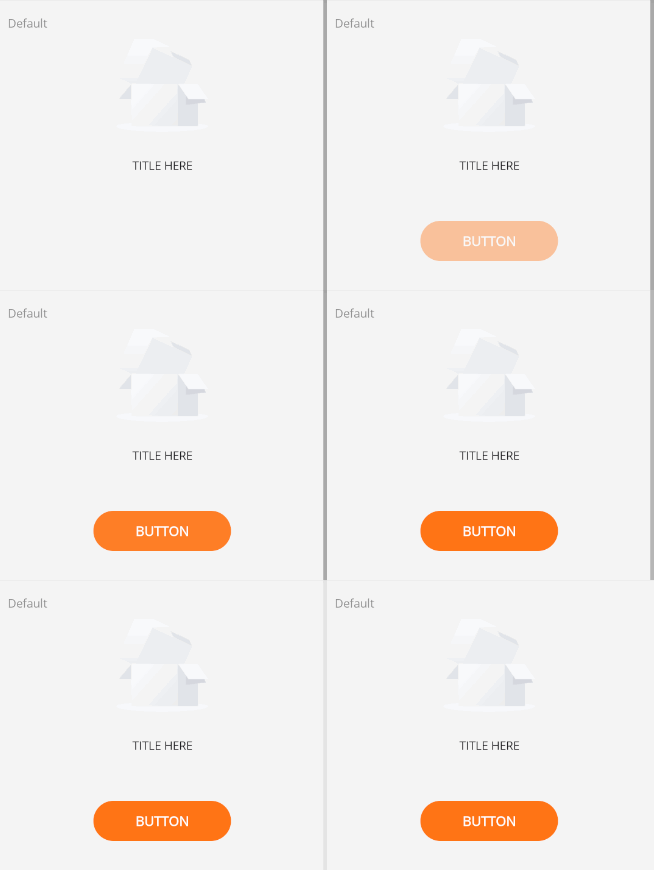
<control:VPlaceholderView></control:VPlaceholderView>
Title
Use the TitleText property to set the title.
Use the ButtonText property to set the button text.
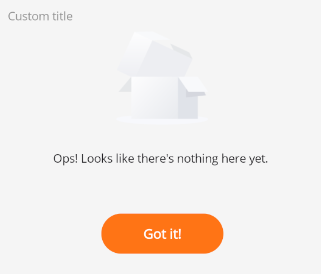
<control:VPlaceholderView TitleText="Ops! Looks like there's nothing here yet." ButtonText="Got it!"></control:VPlaceholderView>
Customization
Use ContentSlot to set custom content.
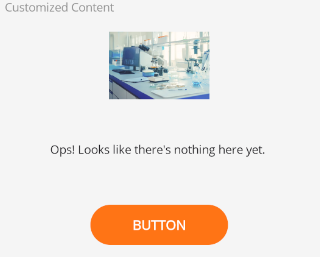
Using an image as content:
<control:VPlaceholderView TitleText="Ops! Looks like there's nothing here yet.">
    <control:VPlaceholderView.ContentSlot>
        <Image Source="service3.jpg"
               WidthRequest="120"
               HeightRequest="120"></Image>
    </control:VPlaceholderView.ContentSlot>
</control:VPlaceholderView>