VCollection
A collection of data used for listing and selecting data.
Basic Usage
Use the ItemsSource property to bind data.
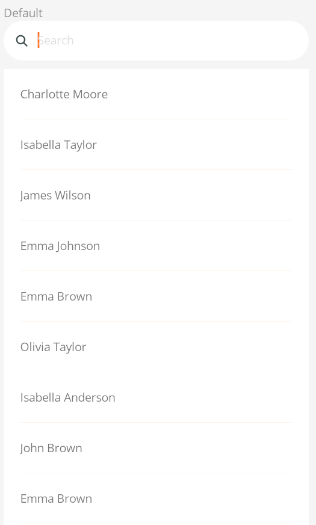
<control:VCollection ItemsSource="{Binding InternalEmailList}">

</control:VCollection>
Set the DisplayPropertyName property to specify the property to display.
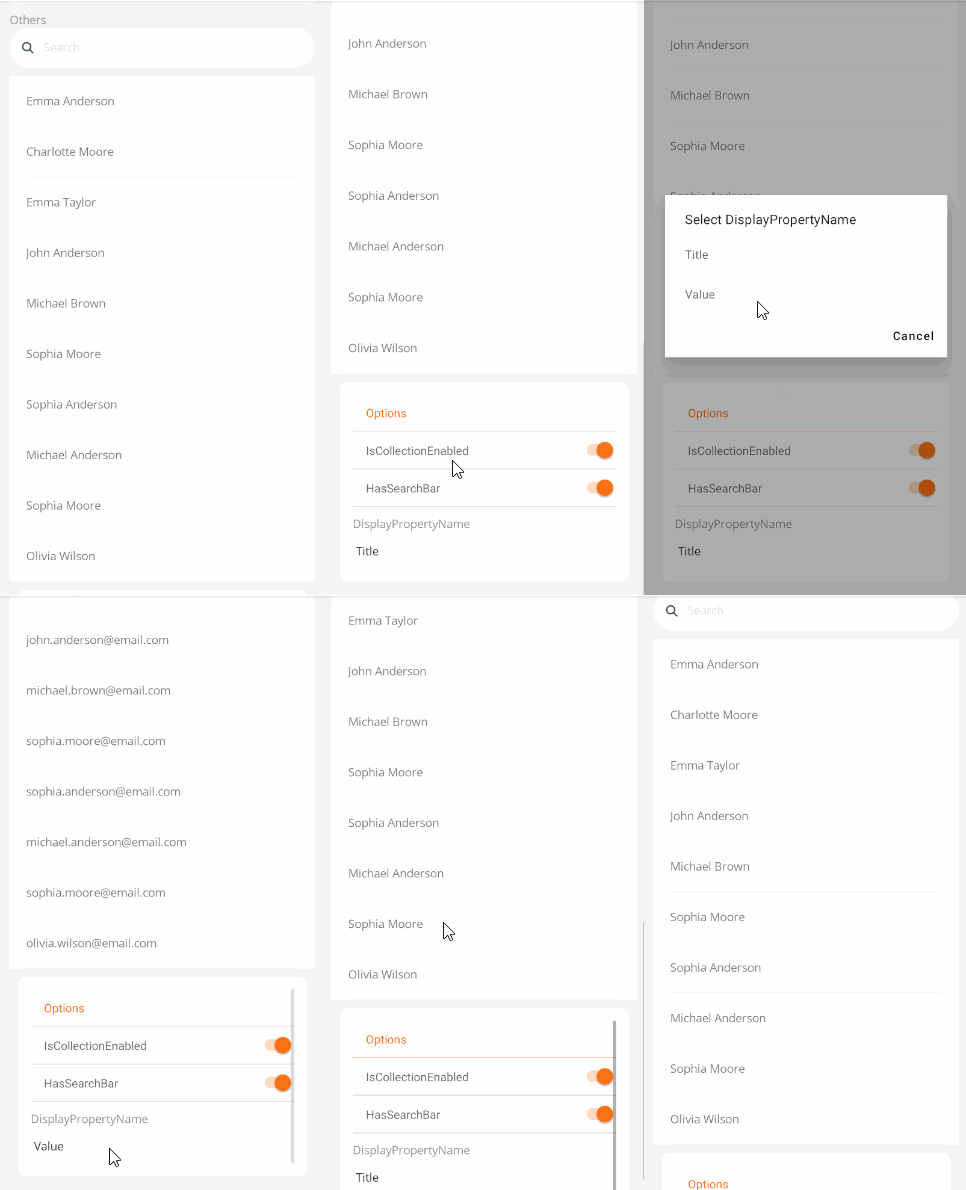
<control:VCollection DisplayPropertyName="Title"
                            ItemsSource="{Binding InternalEmailList}">
</control:VCollection>
Search Box
Use the SearchKeywords bound property to specify search keywords. It will perform case-insensitive fuzzy matching on the items that meet the criteria.
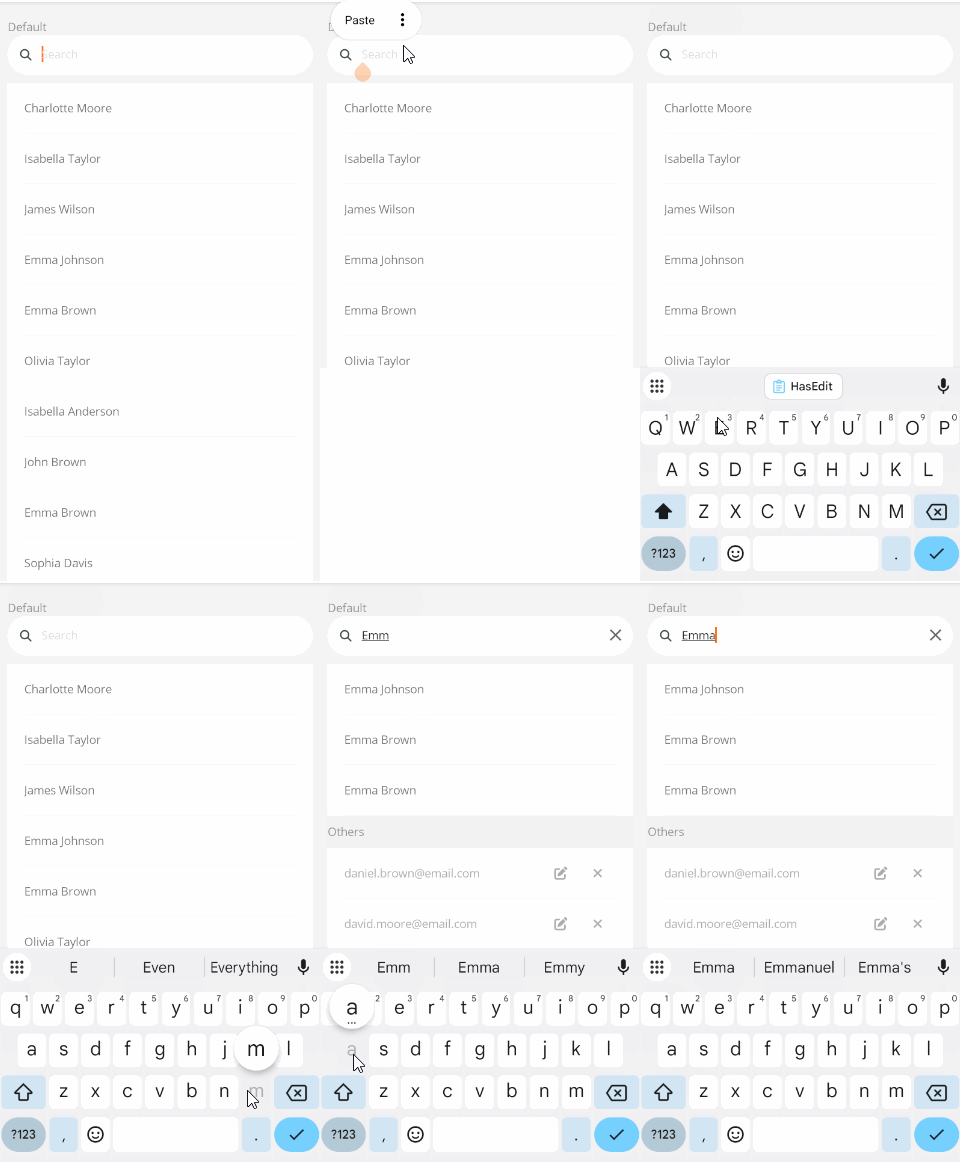
<control:VCollection DisplayPropertyName="Title"
                            SearchKeywords="{Binding SearchKeywords}"
                            ItemsSource="{Binding InternalEmailList}">
</control:VCollection>
Hide Search Box
Checkbox unavailable state. Set the HasSearchBar property to False to remove the search box.
<control:VCollection HasClear="False"
                    HasSearchBar="False"
                    ItemsSource="{Binding InternalEmailList}">
</control:VCollection>
Edit and Delete Buttons
Use the HasEdit and HasRemove properties to display or hide the edit and delete buttons.
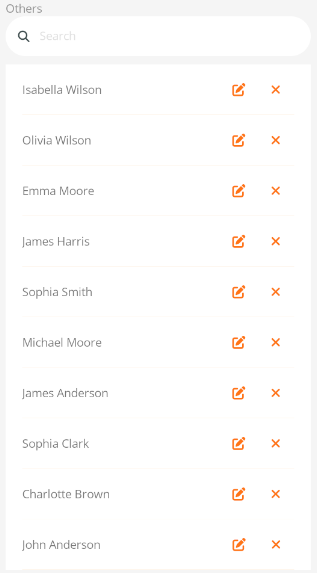
<control:VCollection HasEdit="True"
                     HasRemove="True"
                     ItemsSource="{Binding InternalEmailList}"
                    ></control:VCollection>
Disabled State
Checkbox unavailable state.
Set the IsCollectionEnabled property to False.
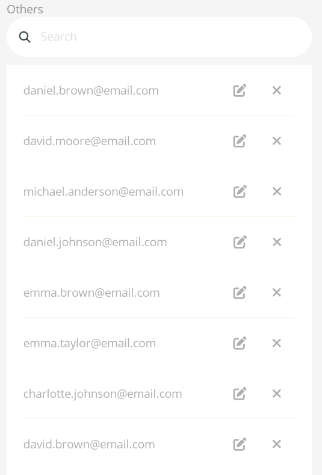
<control:VCollection IsCollectionEnabled="False"
                              ItemsSource="{Binding InternalEmailList}">
</control:VCollection>